ART·VISION R. QUALLS
System · Live
An AI Docent · Capstone 2026

Art
Vision

A wearable computer-vision companion that turns any wall of paintings into a conversation.

Type
Hardware + ML Capstone
Role
Sole Designer & Engineer
Stack
Pi 5 · YOLOv8 · Flask
Status
Finished Captsone or Working Prototype

Museums are among the last physical places we visit to learn slowly. But the wall label — that flat rectangle of gray text — is a stubborn bottleneck. Art Vision is a pocket-sized device that sees the painting you're standing in front of, recognizes it on-device, and streams a richer, more human story to your phone.

Raspberry Pi 5 YOLOv8 Nano Arducam IMX708 Flask + JSON On-Device Inference Custom-Trained Model 10 Paintings · 0.966 mAP50-95 Raspberry Pi 5 YOLOv8 Nano Arducam IMX708 Flask + JSON On-Device Inference Custom-Trained Model 10 Paintings · 0.966 mAP50-95
§ 01 — Overview

The wall label is
a bottleneck.

Art Vision is not a replacement for the museum — it is a second voice in your ear, whispering the gossip and mistakes and rivalries that the plaque never had room to print.

Most museum plaques are written for no one. They hedge between scholar and schoolchild and end up satisfying neither. Visitors want the story — the drama, the mistakes, the rivalries, the hidden symbols. The why, not just the what.

Art Vision is a wearable device, powered by a Raspberry Pi 5 and a custom-trained YOLOv8 model, that identifies paintings in real time and serves a richer, choose-your-own narrative to the visitor's phone: Style. Technique. The Artist's Life. What's Easy to Miss. The whole system runs on-device — no cloud, no tracking, no big-tech in the gallery.

USB-C · PD 3.0 RPi 5 · 8GB IMX708 · UVC VISITOR · DEVICE VIDEO IN HTTP · :8080 A.V. SYS DIAGRAM REV. 2026.04
The Device

A pocket-sized docent that sees.

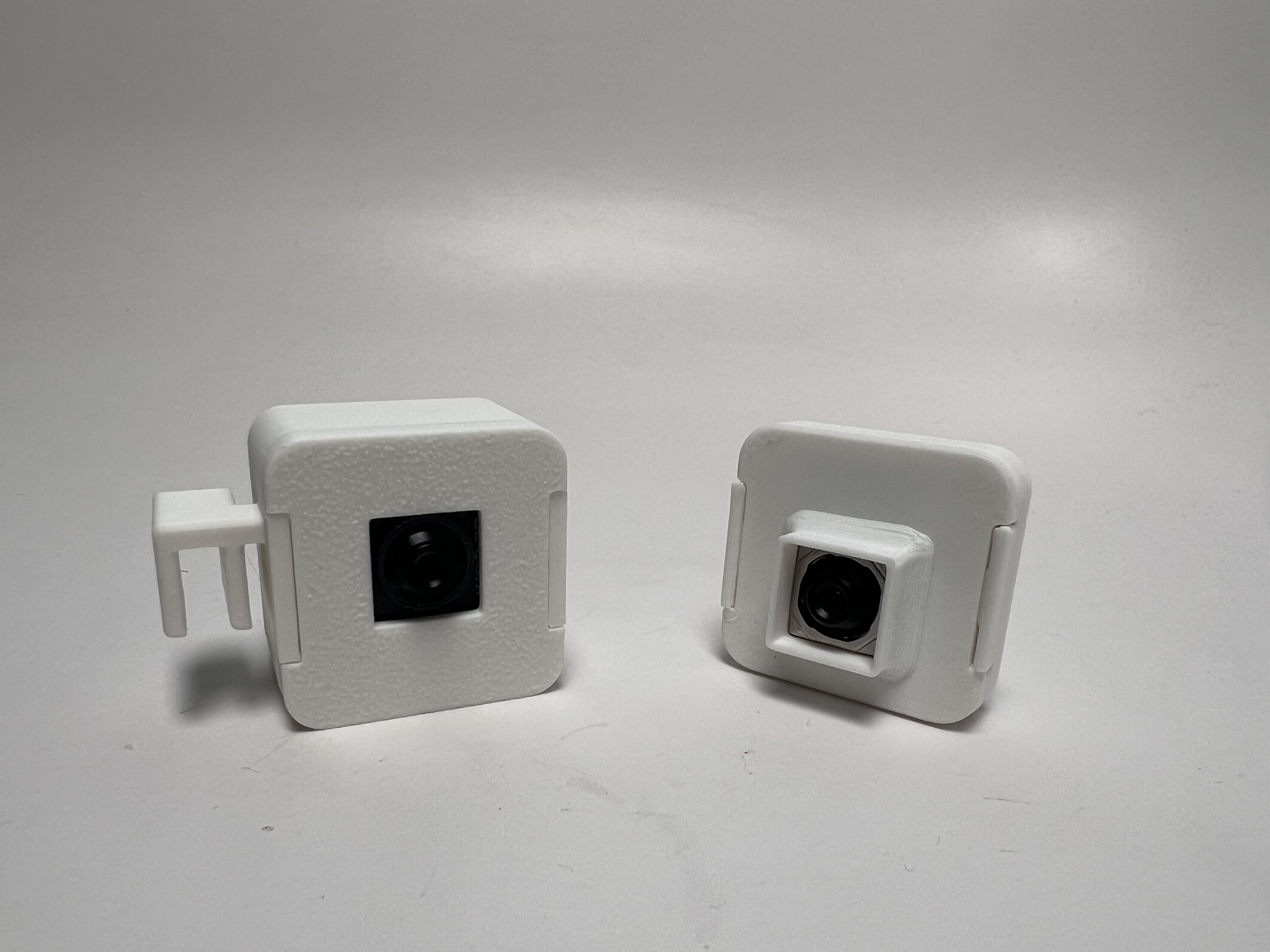
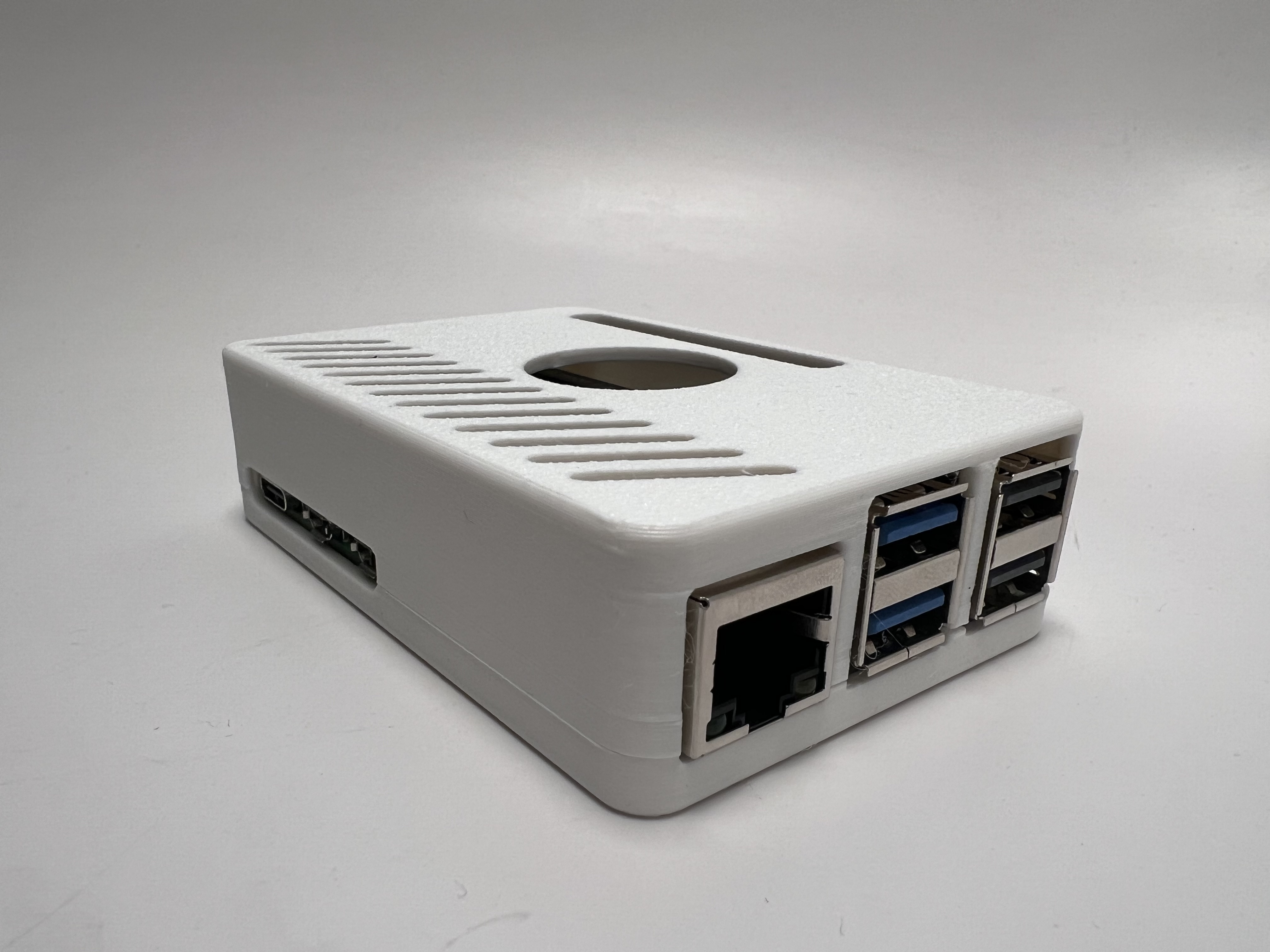
The final build is a Raspberry Pi 5 in a vented 3D-printed case, paired with an Arducam IMX708 USB camera clipped to the visitor's shirt or hung as a pendant. A PD 3.0 power bank keeps it fed. The whole rig runs a YOLOv8 model in a headless Flask server, broadcasting over local Wi-Fi.

  • ComputeRaspberry Pi 5 · 8GB
  • SensorArducam IMX708 (UVC)
  • ModelYOLOv8 Nano · custom
  • BackendFlask · JSON cache
  • PowerUSB-C PD 3.0, 5V / 5A
  • CloudNone. On-device only.
§ 02 — By the Numbers

A quiet brag.

Training Dataset
3242img
Hand-collected, annotated, and augmented across 10 paintings.
mAP50-95
0.97
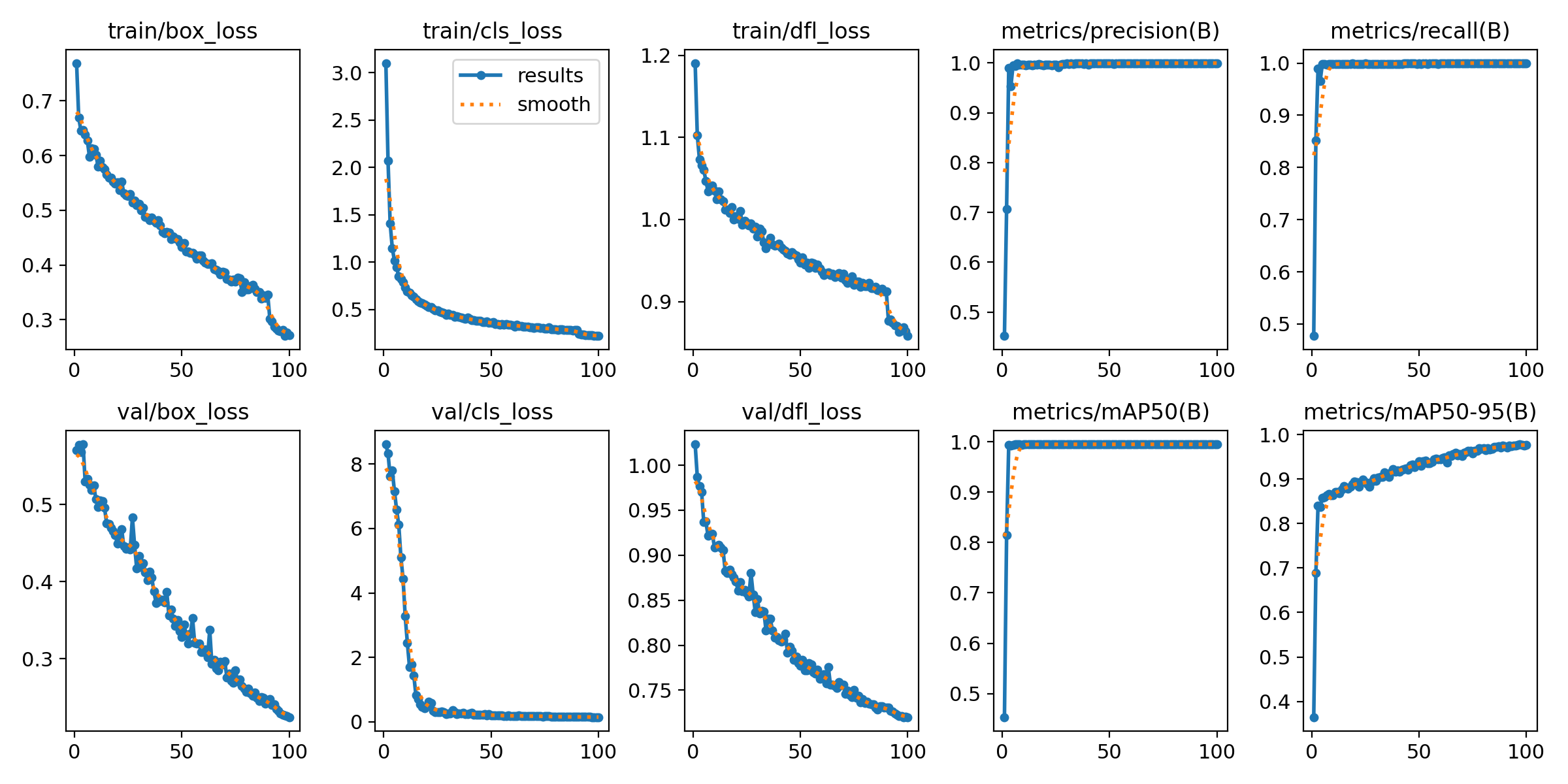
Validation mean average precision on the held-out set at epoch 25.
Inference Speed
~20fps
On-device, no cloud. Scalable to 60fps with an AI HAT co-processor.
Detection Confidence
0.95+
Across test paintings in varied lighting and viewing angles.
§ 03 — Process

Four phases,
two pivots, one working device.

I
Hardware · Sensor

The Sensor Crisis.

I started with the Raspberry Pi Camera Module 3 and its delicate CSI ribbon cable. It worked beautifully on the desk and terribly on the body. The ribbon was short, fragile, and comically ill-suited to weaving through a T-shirt. Within a week I had pivoted to an Arducam IMX708 USB module.

The Module 3 was the right camera — for a product that lived on a tripod. Art Vision needed something that could survive a backpack.

The USB path meant slightly bulkier hardware, but standard v4l2 drivers, a replaceable USB-C cable, and a 3D-printed enclosure that could finally be designed around a normal port instead of a precious slot.
II
Hardware · Power

The Portability Wall.

The Pi 5 is a hungry chip. Running YOLO inference on top of a USB camera stream made it hungrier still. Standard power banks caused voltage sag; the CPU would throttle mid-detection and the whole thing would stutter. I tried three power supplies before landing on a PD 3.0 bank capable of a constant 5V / 5A.

This is the kind of problem no tutorial warns you about. It is also the kind of problem that is invisible when it's solved and catastrophic when it isn't.

III
ML · Dataset

A handmade dataset.

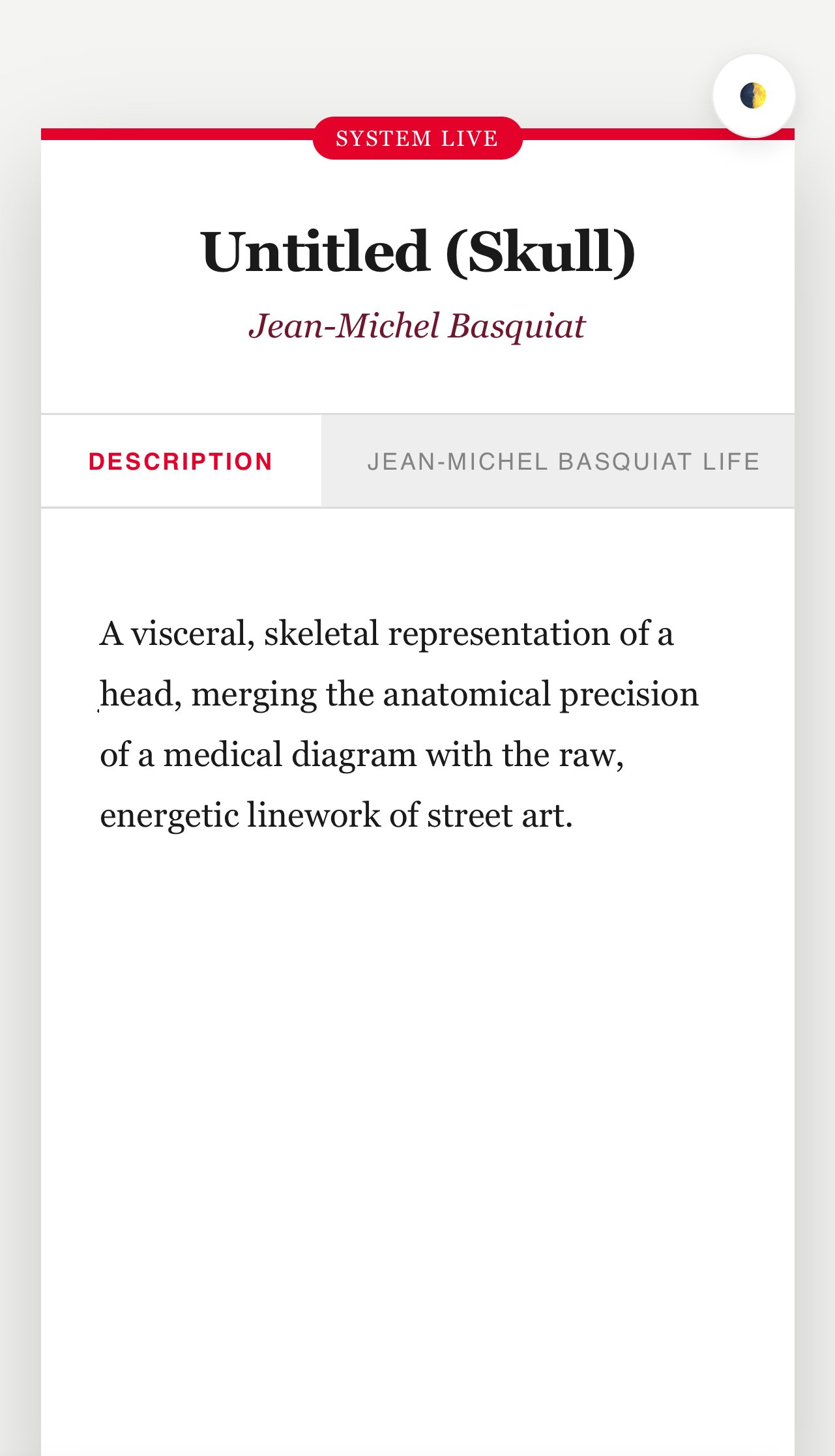
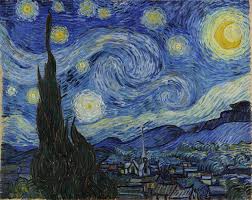
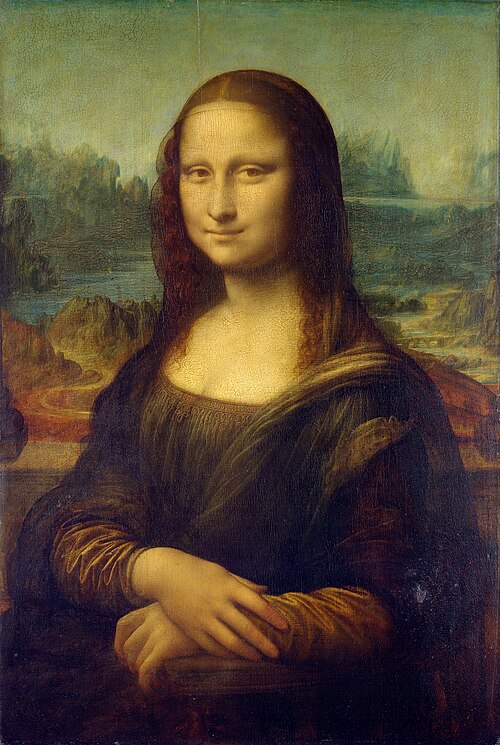
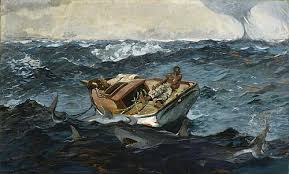
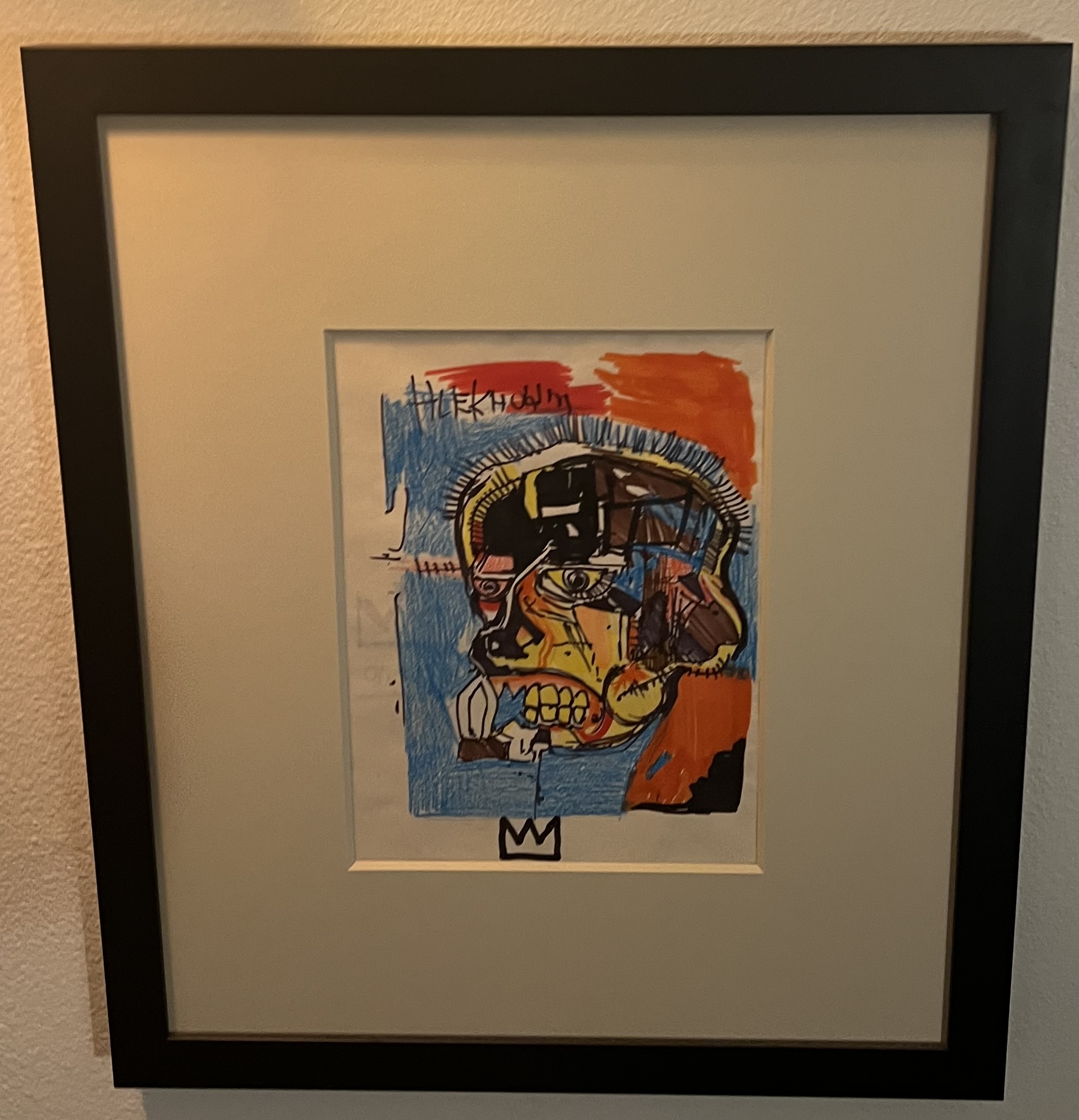
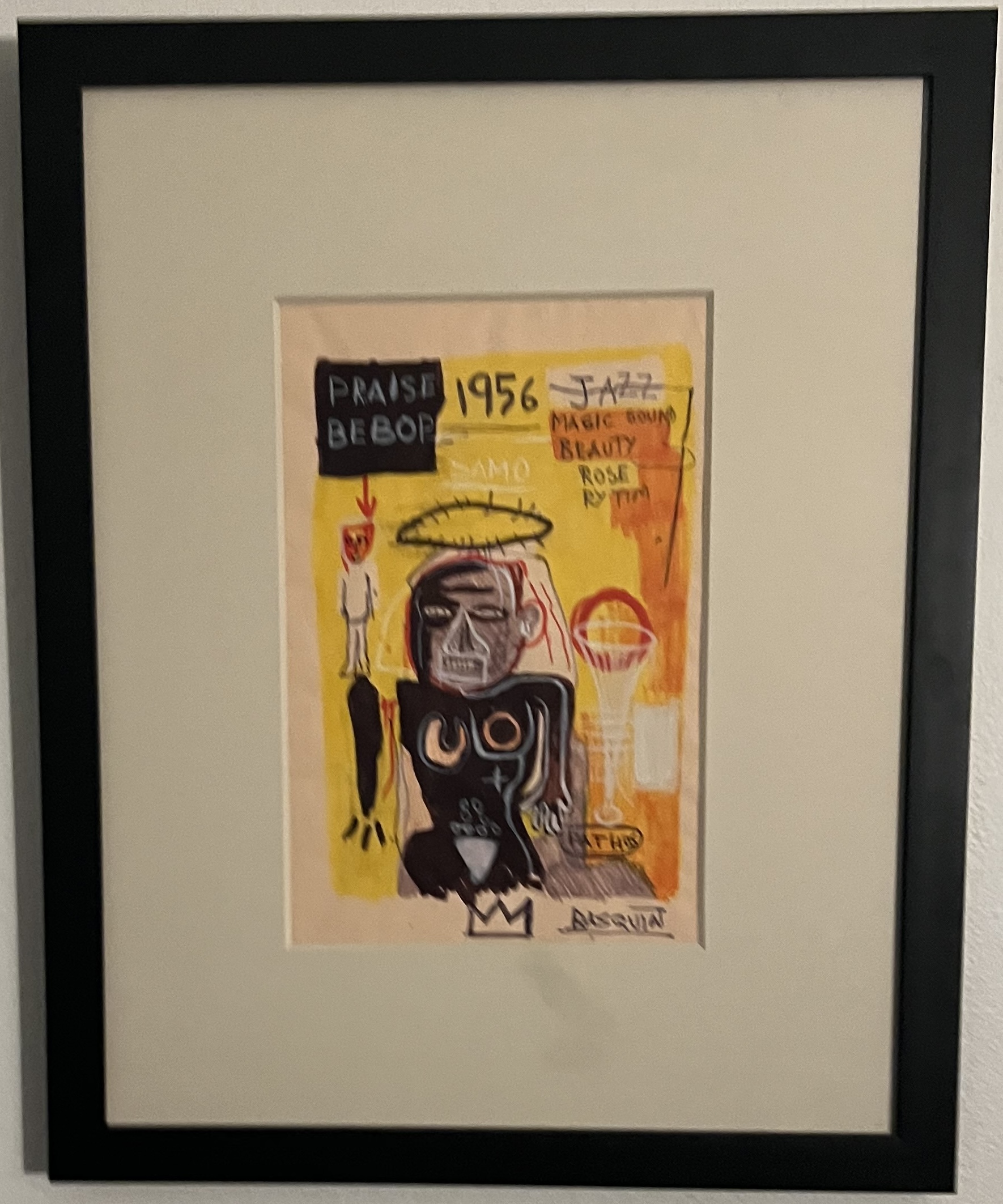
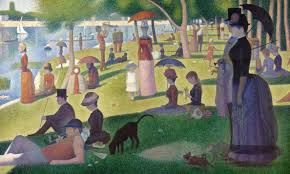
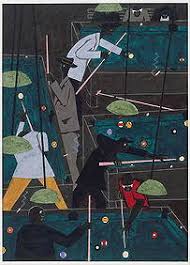
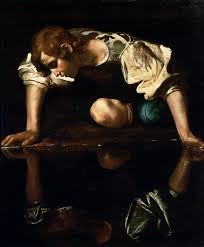
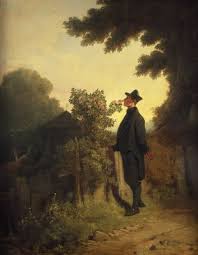
No off-the-shelf model knows what a Basquiat looks like in my living room. So I built the training set by hand: 3242 images across ten canonical paintings — Starry Night, The Gulf Stream, Mona Lisa, two Basquiats, and more — shot in every lighting condition I could manufacture. When the Roboflow web uploader choked on my batch, I wrote a Python script against their API to finish the job overnight.

Good datasets are not downloaded. They are cooked.

The YOLOv8 Nano model trained for 25 epochs on Colab's free T4. Validation mAP50-95 landed at 0.966. The training curves look like a textbook — which, for once, is a compliment.

IV
Software · Serving

A headless museum server.

The Pi runs a Flask server on port 8080, exposing a single /api/data endpoint. A background thread captures frames, runs inference at conf=0.5, and writes the most recent detection into a shared Python object. The visitor's phone — connected to the Pi's Wi-Fi — polls the endpoint every two seconds and re-renders the active painting.

The art content itself lives in a local art_data.json file. Each painting has seven fields: description, artist life, impact, inspirations, who they inspired, why it's famous, and what's easy to miss. This is where the project's voice lives.

§ 04 — Architecture

Camera → Model
JSON → Phone.

01 · SENSOR IMX708 USB · 30 FPS cv2.VideoCapture 02 · INFERENCE YOLOv8 Nano FinalModel.pt · 6.2MB class + conf 03 · LOOKUP { } art_data.json 7 FIELDS / PIECE serialize 04 · SERVER Flask · :8080 /api/data GET · 2s 05 · CLIENT Visitor UI HTML · CSS · JS A one-way data flow. Five stages. No cloud. ART · VISION · ARCHITECTURE · V2
Most people don't want history when they read a description plaque. They want a story.
User Research · Round 1 Synthesis
§ 05 — The Core Loop

The detection thread,
in thirty lines.

# run_ai.py — the detection thread that feeds the Flask server
def run_ai():
    global current_detection
    model = YOLO('best2.pt')
    cap = cv2.VideoCapture(0)

    while True:
        success, frame = cap.read()
        if not success: break

        # inference — small image, half precision-ish speed
        results = model.predict(frame, conf=0.5, imgsz=320, verbose=False)

        if len(results[0].boxes) > 0:
            box   = results[0].boxes[0]
            label = model.names[int(box.cls[0])]
            conf  = float(box.conf[0])
            info  = ART_DATABASE.get(label, ART_DATABASE["default"])

            # hand off to the Flask thread via shared dict
            current_detection = {
                "title":       info.get("title", label),
                "artist":      info.get("artist", "Unknown"),
                "description": info.get("description", "..."),
                "why_famous":  info.get("why_famous", "..."),
                "easy_to_miss": info.get("easy_to_miss", "..."),
                "confidence":  f"{conf:.2%}",
            }
        else:
            current_detection = ART_DATABASE["default"]
            current_detection["confidence"] = "0%"
§ 06 — The Collection

Ten paintings.
3242 captures.

§ 07 — User Testing

The humans weigh in.

"I like how the detected painting is in the background of the app. It felt like the artwork was still the main character."

HX Round 1 · Roommate

"I like how it gave me different options to specialize on, instead of one giant paragraph."

HX Round 1 · Partner

"It's very simple."

HX Round 1 · Mother

"Museums are more of a social thing than I realized. Being able to share and explain and listen is one of the best parts."

HX Round 2 · Synthesis

Three forms.
One clear winner.

Participants were shown three form factors: an eyewear-mounted version, a pendant worn at the chest, and a pocket device with a clip-on camera. Each was tested against a single question: does this form factor match the ideals of the project?

The pendant won on warmth — closest in shape to a museum badge. The clip-on camera won on practicality. The eyewear lost immediately on the "anti-big-tech" axis. The final prototype splits the difference: a small chest-worn enclosure with an external camera.

§ 08 — What I Learned

Three honest lessons.

Lesson · 01

Ship the pivot, not the plan.

I started with a CSI camera, a cloud API, and a dream. I ended with a USB sensor, a local Flask server, and something that actually worked. Every one of the good decisions on this project was a revision of an earlier, worse one. Planning mattered less than being willing to burn the plan.

Lesson · 02

Data is the real work.

Training a model is the glamorous bit. Curating 3242 images, fixing the Roboflow upload with an API script, re-shooting half the Basquiat set because a lampshade was in frame — that's where the project lived. Hand-built datasets are unsexy and irreplaceable.

Lesson · 03

Interfaces are opinions.

The moment I stopped asking "what information should I include?" and started asking "what does the visitor want to feel?" was the moment the UI got good. A museum plaque is not a contract. It is an opening line. Art Vision is my attempt to give that line back to the visitor.

The Next Exhibition

What's next.

Add an AI HAT to push inference to 60fps · Expand the dataset to 50 paintings · Design the final wearable enclosure · Partner with a small museum for a pilot installation.